How to Break Down Large Projects into Manageable Tasks
By The Quely Team — Quely editorial team
Most advice about managing large projects jumps straight into tools, timelines, or frameworks.
But here’s the problem: You can’t organize work that no one truly understands yet. And most teams start moving before they’ve even figured out what the work really is.
I’ve seen it several times. Most people start by creating Jira boards, assigning epics, and holding sprint planning meetings only to realize two weeks in that some tasks were completely missed, others can’t move forward, and no one’s entirely sure what success is supposed to look like. I’ve made this mistake too: jumping into execution without stepping back to break things down.
What changed for me was learning how to pause and do the hard thinking up front , to break down the project in a way that everyone could see, understand, and act on.
This article is about how to do exactly that.
Not by adding more process. Not by memorizing a new framework. But by learning to work through complexity by breaking big, messy projects into clean, concrete parts. We’ll also use the Work Breakdown Structure approach, walk through an example of building a mobile app, and show how connected work and context help teams understand the right work before they begin.
What Is a Work Breakdown Structure?
If you’ve ever stared at a giant project and thought, “Where do we even start?” — the Work Breakdown Structure (WBS) is your answer.
A Work Breakdown Structure is a way to break down big, complex work into smaller, manageable chunks. It’ is an approach project managers use to bring order and clarity to projects.
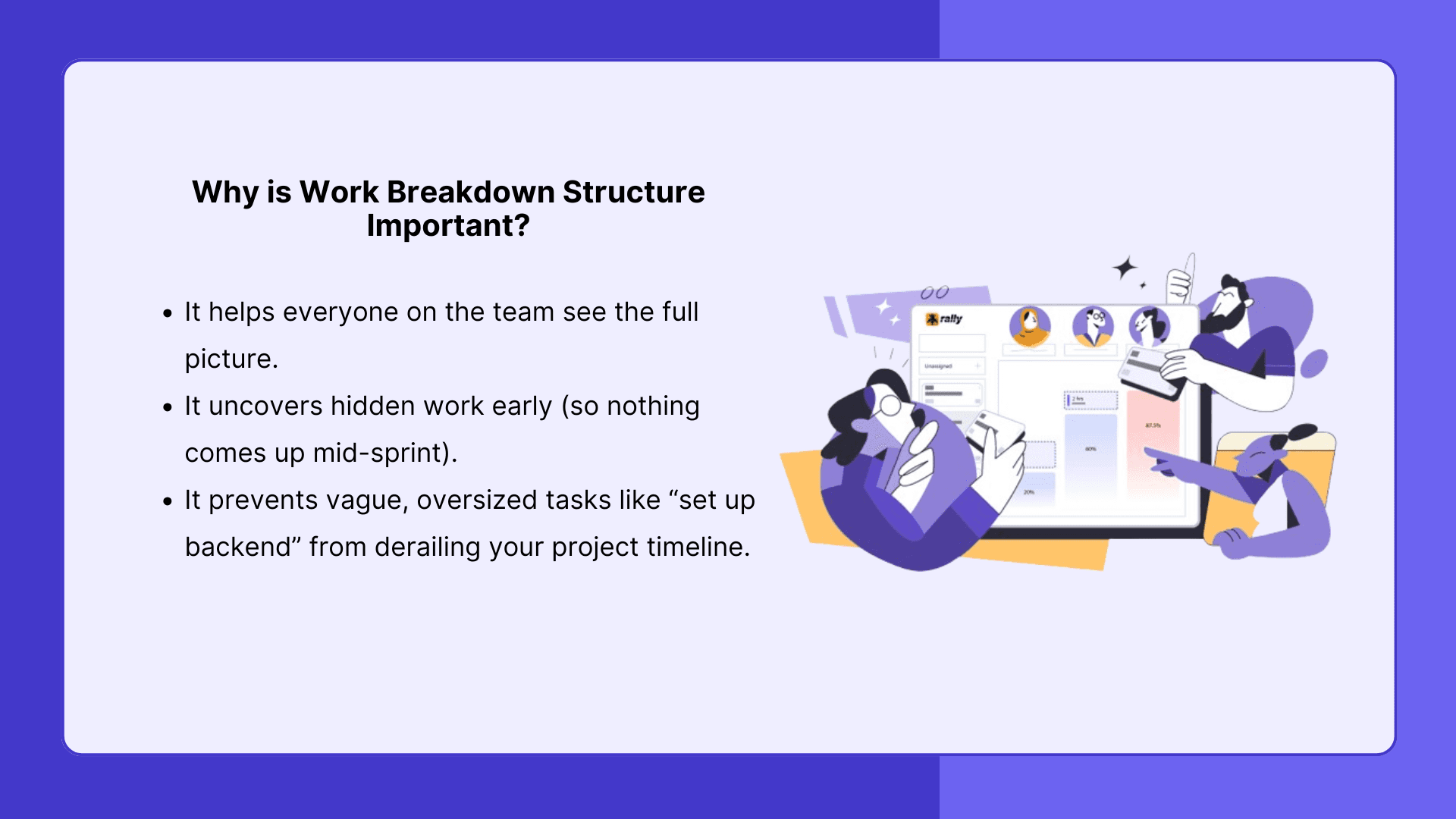
WBS is a visual map. You start at the top with your overall project (say, Build our mobile app), then break it down into major components (e.g., User Authentication, Messaging, Notifications), then break those down again into specific features or tasks (Login screen, SMS verification, API integration), until every piece of work is actionable.
How to Break Down Any Project Using the WBS Method
To make this easy to understand, we’ll use the same example from earlier: your team is building a new mobile app. You’ve got a rough idea of what the product needs to do, but no clear path from “we want an app” to actual shippable tasks.
Here’s how to break it down.
Step 1: Start with the Big Goal
Begin at the top: What are we building?
In our example, it’s Build a mobile app for users to message each other in real time.
That’s your Level 0, the ultimate outcome.
Step 2: Identify Major Components
Next, break that big goal into deliverables. Ask yourself: What are the major pieces we need to deliver for this to work?
For our mobile app, it might look like this:
User Authentication
Messaging System
Push Notifications
User Profiles
Mobile UI / Frontend
Backend Infrastructure
At this point, you're not thinking about Jira tickets yet. Just in building blocks.
Step 3: Break Components Into Subcomponents
Now take each of those and break them down again into more specific features.
For example, Messaging System →
Real-time chat backend (e.g., WebSocket setup)
Message storage and retrieval
Message read status
Chat UI: input, history, typing indicators
Repeat this level of breakdown across each top-level component until you’re dealing with work units your team can understand and estimate.
A helpful rule: if a chunk of work can’t be roughly estimated or feels vague, it needs to be broken down further.
Step 4: Go Until You Reach Actionable Tasks
Keep going until you reach the level of clear, executable tasks. These can become Work Units from Jira, Linear, GitHub, or another connected execution system.
Example:
Set up Firebase Auth
Implement "forgot password" flow
Create user settings screen
You don’t need to go five levels deep for everything. Some parts are simple. Others like Messaging may require more layers. The goal is clarity.
Step 5: Review as a Team
Once the breakdown is done, bring your team into the process. Ask:
Does anything feel too vague?
What are we missing?
What could block progress later?
This step is critical, especially the question about what the team is missing. Record the open questions, assumptions, risks, and dependencies so they can be resolved before the breakdown becomes a sprint commitment.
Quely connects work with context across systems. In a Space, Jira issues and other tasks can be represented as Work Units, while decisions, discussions, and documents contribute Context Units that preserve why the work matters.
Orbit can then surface questions, dependencies, risks, and missing information as Signals. When the work is ready to assign, Ownership shows responsibility, current commitments, workload, and available capacity, helping the team decide who can take it on.
What Software Can You Use to Create a WBS?
You don’t need to overhaul your stack to start using Work Breakdown Structures (WBS). You just need tools that let you break your work into parts, visualize structure, and collaborate as a team. Here’s how to actually do it, based on where you are in your workflow.
1. Early-Stage Thinking and Brainstorm
When you’re still figuring out what the project includes — before you create any tickets.
Use: Miro, Whimsical, Lucidchart: These tools let you visually build out your WBS as a tree, map, or flowchart.
How to use:
Start with a single box or node: “Build Mobile App”
Branch off into major components: “Authentication,” “Messaging,” “Frontend”
Keep branching until each node is small enough to be a task (or ready to estimate)
Color-code deliverables, decision points, or discovery items.
2. Planning in Detail
When your team prefers writing over whiteboarding.
Use: Notion, Confluence
These tools are great for outlining your WBS in a more linear, documented format.
How to use:
Create a page or table with a top-level goal (e.g., “Mobile App v1.0”)
Use nested bullet points or toggle lists to reflect task hierarchy
Add inline comments, owner tags, and estimates if needed
3. Execution and Workflow
When you are ready to assign, estimate, and build.
Use: Quely, Jira, Linear
How Quely fits in:
Connected project systems contribute Work Units and their native properties.
Place the relevant Work Units in a Space’s Queue and connect them with Context Units that explain the objective, decisions, discussions, and constraints.
Use Orbit to reason across the Units, relationships, historical activity, and connected context.
Review the resulting questions, risks, dependencies, blockers, assumptions, and action items as Signals.
Use Ownership to understand responsibility, current commitments, team workload, and available capacity before the team commits.
This model helps teams clarify large work before it enters a sprint while preserving the context needed during execution.
In Jira or Linear directly:
Epics = WBS Level 1
Stories = Level 2
Subtasks = Level 3
You can create this hierarchy manually using issue linking or the parent/child feature.
How to Handle Unknowns in Your Work Breakdown
Here’s the uncomfortable truth: sometimes, you just don’t know what a task actually involves until you’re knee-deep in it.
Maybe it’s a new API you’ve never worked with. Maybe it’s a vague feature request from a stakeholder. Maybe it’s the kind of task that feels more like “figure this out” than “go build it.”
This is where most breakdowns fall apart — because we try to treat unknowns the same way we treat clear, defined work.
But they’re not the same. And pretending they are leads to vague tickets, inaccurate estimates, and blocked sprints.
So here’s how experienced teams handle it.
1. Label It What It Is: Discovery Work
If something can’t be broken down yet, don’t force it. Just call it what it is: a discovery task.
These are timeboxed, exploratory pieces of work that exist to reduce ambiguity. Their job is to answer a question, unblock a decision, or uncover enough detail that the real task can be broken down.
Examples:
Investigate chat infrastructure options
Explore Stripe’s new subscription API
Interview 3 users to clarify onboarding pain points
Think of these like mini research missions. The outcome isn’t a deliverable. It’s clarity.
2. Timebox It
Discovery work expands to fill the space you give it. Don’t let it.
Instead, assign a fixed amount of time — 1 day, 3 days, 1 sprint — and treat the output as a report back: What did we learn? What do we do next?
This helps keep momentum moving and avoids the trap of infinite tinkering.
3. Break It Down After You Know More
Once the discovery task is done, you can go back and break it down just like everything else.
Let’s say a developer spends a day exploring WebSocket options. By the end, they might break the “Messaging System” component into:
Set up backend service for sockets
Define message schema
Build socket connection manager
Handle reconnects and dropped connections
What was once a foggy blob becomes clear, concrete work.
4. Document It in Your Tool
A Space gives discovery work a focused intelligence environment. Add the exploratory task as a Work Unit, then connect the decisions, discussions, documents, and research that explain it as Context Units.
Orbit can reason across that connected context to surface missing information, assumptions, dependencies, and risks. The team is not just resolving the unknown; it is preserving what it learned so the next decision starts with shared understanding.
5. Normalize the Unknown
Finally, make it a norm that not everything has to be figured out from day one.
Some work needs exploration. Some tasks won’t become clear until someone spends time with them. That’s not a planning failure.
The best teams plan for the unknown and give it space without letting it derail the project.
How Quely Helps Teams Navigate Unknown Work
When a project includes an ambiguous feature, technical decision, or vague requirement, the hardest part is building a complete picture from information spread across tickets, documents, discussions, and source systems.
Quely connects that fragmented information so the team can turn uncertainty into shared understanding.
Here is how the current model supports discovery:
Represent the unknown as a Work Unit: Use an existing Jira issue or another execution object, create one manually, or synthesize one with AI assistance.
Place it in a Space: Add the Work Unit to the Queue for the team, initiative, product area, or objective that provides the right boundary for understanding it.
Connect the surrounding context: Context Units can synthesize decisions, discussions, documentation, support information, analytics, and other knowledge related to the work.
Ask Orbit what is missing: Orbit reasons across native properties, relationships, historical activity, and connected context to identify gaps that a single ticket cannot show.
Review the Signals: Questions, assumptions, risks, dependencies, blockers, decisions, and action items become Signals the team can investigate.
Move forward with clear responsibility: Once the work is understood, Ownership shows who is responsible, current commitments, team workload, and available capacity.
Conclusion: Break It Down Before You Build It
Big projects rarely fail because the work is too hard. More often, it is because no one fully understood what needed to be done in the first place. That’s why learning to break things down is such a valuable skill. It helps you go from vague goals to clear steps so your team knows what to build, how to start, and where the gaps are.
Related reading: Account for dependencies in project estimates.